Manage microsites editors and admins
Terms
- Drupal user: an account associated with a single person on the control site.
- Drupal roles: universal set of permissions to be assigned to a user. (Microsite controller, Trusted editor)
- Microsite roles: microsite specific set of permissions that are assigned to a microsite member. (Microsite admin, Microsite editor)
- Microsite members: people with a microsite role - given on a microsite by microsite basis.
Inviting people to administer and edit a microsite.
See also Roles and Permissions.
Requirements
- You'll need to be a Microsite admin or Microsite controller.
- Log in to the microsite on its unique domain.
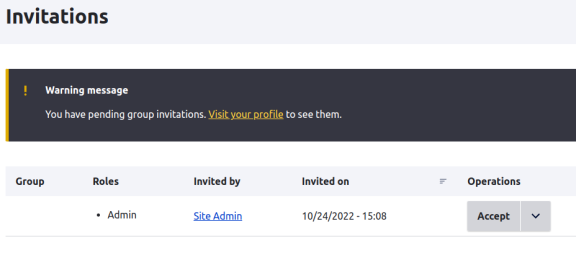
- Visit Invitations
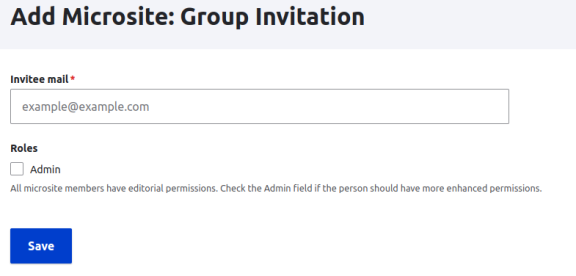
- Click "Invite member"
- Enter the email address, if you want them to be a Microsite admin, check the box.
- Save
Invitation workflow
- [Microsite admin] Send an invite
- [New user] Receive an email to set up an account
- [New user] Set up new account on the website via email link
- [New user] Receive an email to accept invitation
- [New user] Accept invitation on the website via email link
If someone already exists on the control site (they may be a member of another microsite already), they will skip steps 2 & 3 above.
Note: Microsite members are assigned/unassigned the "Trusted editor" Drupal role automatically.