
How and when to use a guide content type
Guide pages are useful when you want to group together a collection of connected pages, where there's no set process to be followed.
They are useful if you want to give someone a range of information on one subject. The user can use the 'Next' button to move through the guide.
Typical uses include:
- types of animal welfare licences
- changing a birth record
- coroners
- sheltered housing
If you want to group together pages where there is a set process - applying for a permit, for example - then use Step by step pages instead.
Examples in the wild
Dumfries & Galloway: Funded early learning and childcare
Woking: Health and safety at work
How to use
Please see this video guide by content designer Ben Hills-Jones.
Layout options
In February 2025 we included two new site wide layout options for guides:
- 'stacked' heading pattern
- vertical list of pages within a guide
See an example on our demo site.
This change follows best practice in the NHS design system.
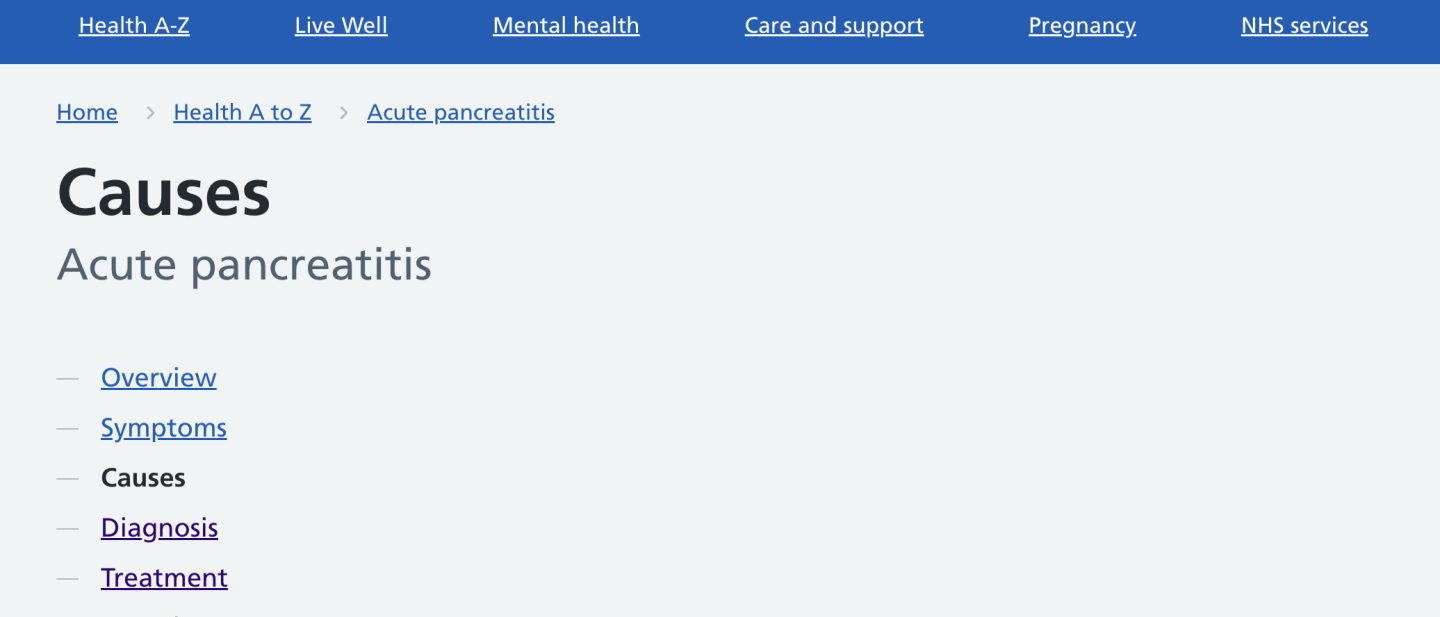
To enable these changes:
1. Click on the 'Appearance' tab.
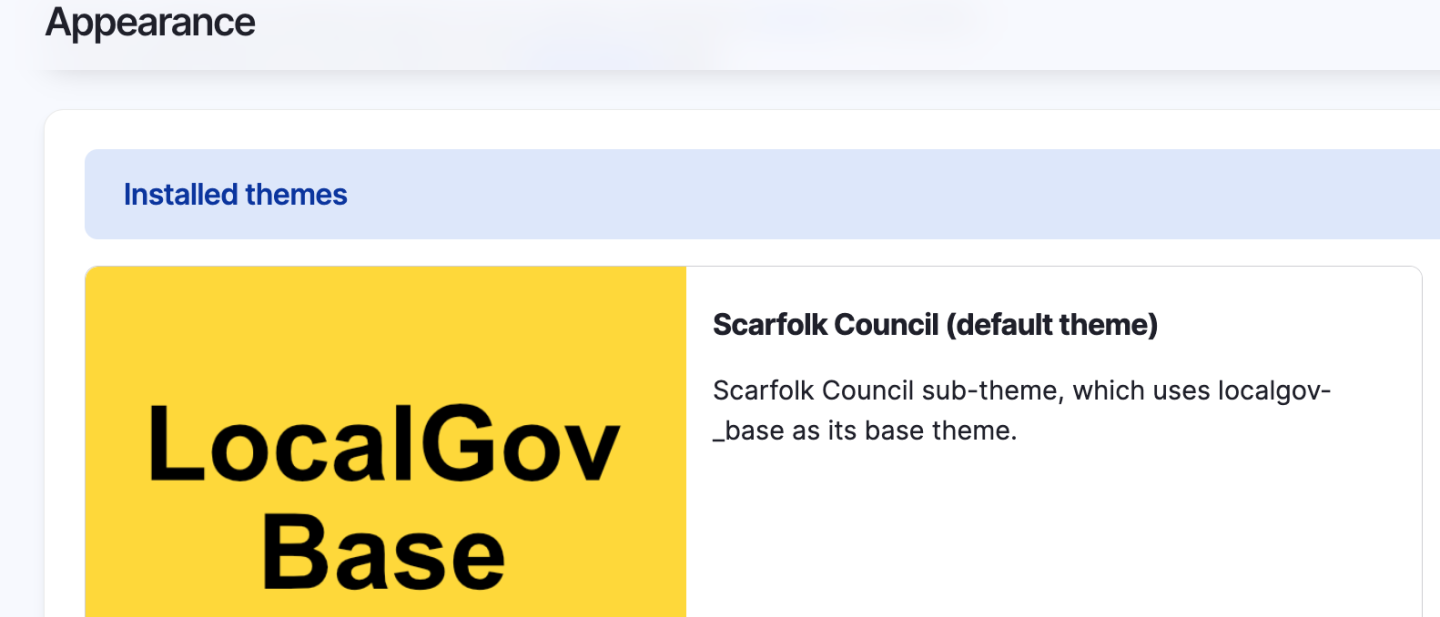
2. Click on your active theme
3. Look for these new controls and enable the ones you want.
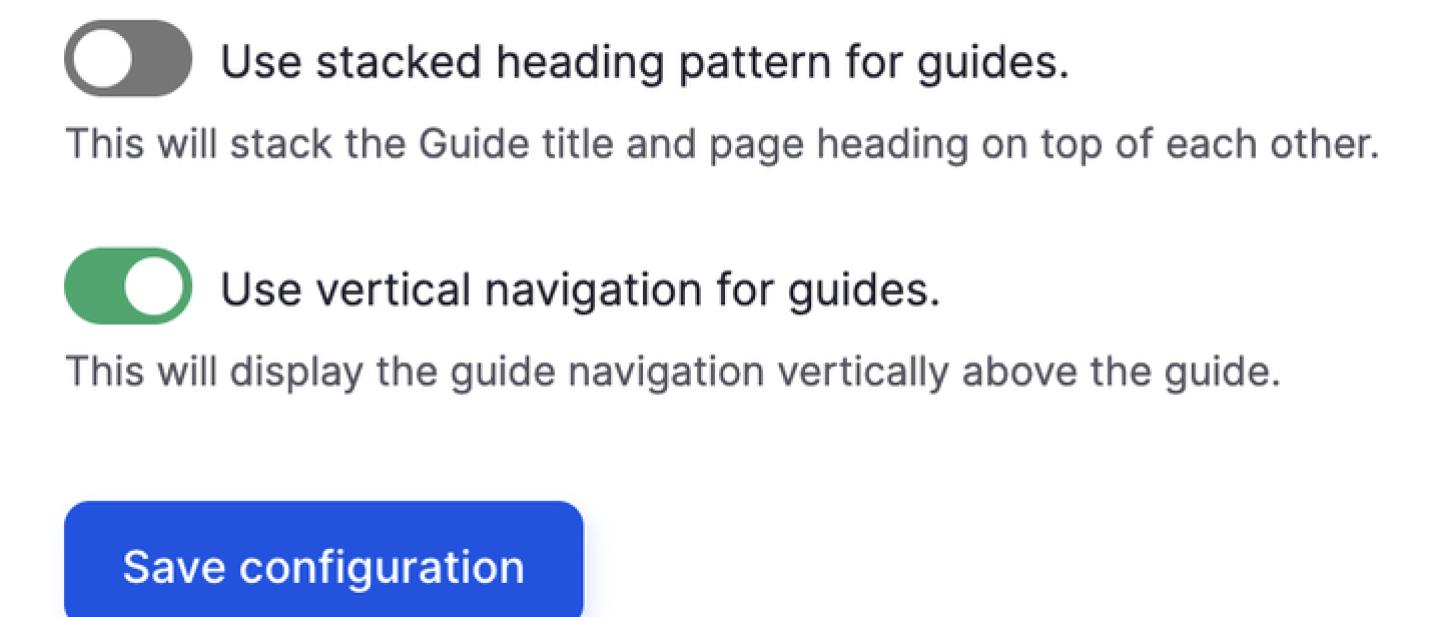
If you can't see these controls, ask your dev to:
- check localgov_base and localgov_guides are up to date
- make these changes if you don't have the required access
It's best practice to try this on a dev site first, to ensure your guide pages look OK with the changes.